![AtomLearningLogo_White-1.svg]](https://knowledge.atomlearning.io/hubfs/AtomLearningLogo_White-1.svg)
To manually add a pupil to your account, follow the steps below:
1. Select 'Manage Pupils' from the main dashboard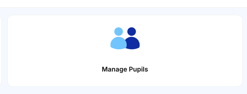
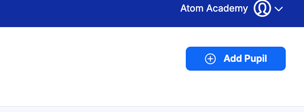
2. Click 'Add Pupil' in the blue box in the top right corner
3. Input the pupils data and click 'save details'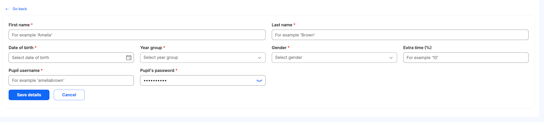
If you are looking to manually create a class and pupils, it's important to create the pupils first.
You can then create a class, and add your new pupils to it.
This guide will give you a step by step guide on creating a class.
If you need further support, you can email us at schools@atomlearning.co.uk